
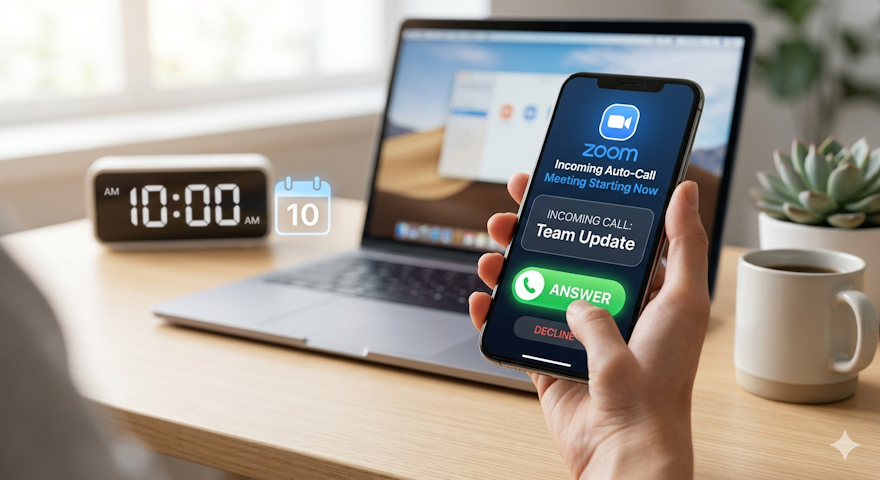
We've all been there — deep in a task, time flies, and you look up to find you're already two minutes late to a call. You scramble to find the invite, click the link, wait for it to load. By the time you're in, the intro is done and someone's already screen-sharing.
Zoom has a feature that eliminates this entirely: Auto-Call.
When enabled, Zoom automatically calls you the moment a scheduled meeting begins — no manual joining, no hunting for the link, no awkward late entry. Your phone rings, you answer, you're in.
How to turn it on (Desktop)
It takes about 30 seconds to set up:
Open Zoom Workplace and click your profile picture in the top-right corner
Go to Settings
Open the General tab
Under Auto-Call, toggle on "Automatically receive a call when a scheduled meeting starts"
That's it. From that point on, when a scheduled meeting kicks off, Zoom comes to you.
A note on opting out
If you ever want to disable it, same path — just toggle it back off. With Auto-Call turned off, you'll join meetings the traditional way: via your meeting invitation link or through the Zoom app directly.
The feature works across Windows, macOS, Android, iOS, and Web, so however your team is set up, it's available. For full documentation, Zoom's support article has everything you need: How to use Auto-Call for scheduled meetings.
Small feature, real difference — especially on back-to-back meeting days when the last thing you want is one more thing to remember.